ALL PROJECTS
C++ 2D GAME ENGINE

PROTOENGINE

March, 2020 – June, 2020 GitHub Repository
ProtoEngine Banner

ProtoEngine is a 2D engine created from scratch in C++ using SDL, Box2D, ImGui and RapidXML as additional libraries. ProtoEngine contains an extensive editor GUI that allows you to create and test changes on the fly. Bubble Bobble was made using the engine + editor as an example.

Visual StudioC++SDLDear ImGuiBox2DRapidXML
DEVELOPMENT PROCESS

01. ENGINE - START

Coded the input system, GameObject-Component system, and general Game loop. Used a command-based system for key assignments (Down, Held, Up).

02. EDITOR - START

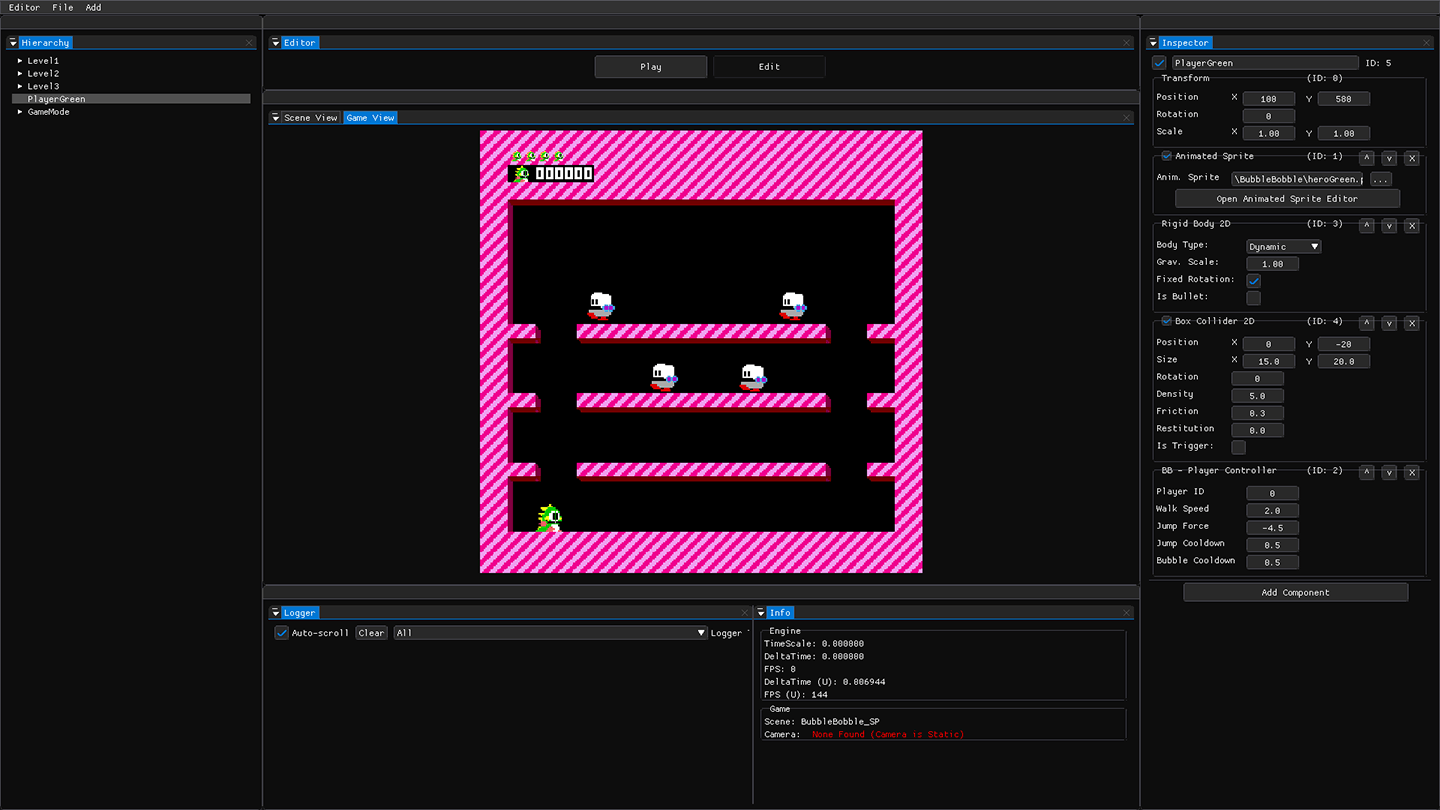
Built Unity-like Hierarchy, Inspector, Scene/Game views, and Logger. Integrated RapidXML for easy scene saving and issue debugging within the timeframe.

03. EDITOR - IMPROVEMENTS

Wrapped ImGui code for clean element rendering and implemented parent-child hierarchy support despite Immediate GUI challenges.

04. COLLISION SUPPORT

Integrated Box2D for physics and collision detection. Implemented conversion helpers to seamlessly bridge Box2D meters and screen pixels.

05. (ANIMATED) SPRITE EDITOR

Created static and animated sprite editors. Supported multi-frame rendering for multi-part sprites/health bars and frame sequence modifiers.

06. BUBBLE BOBBLE

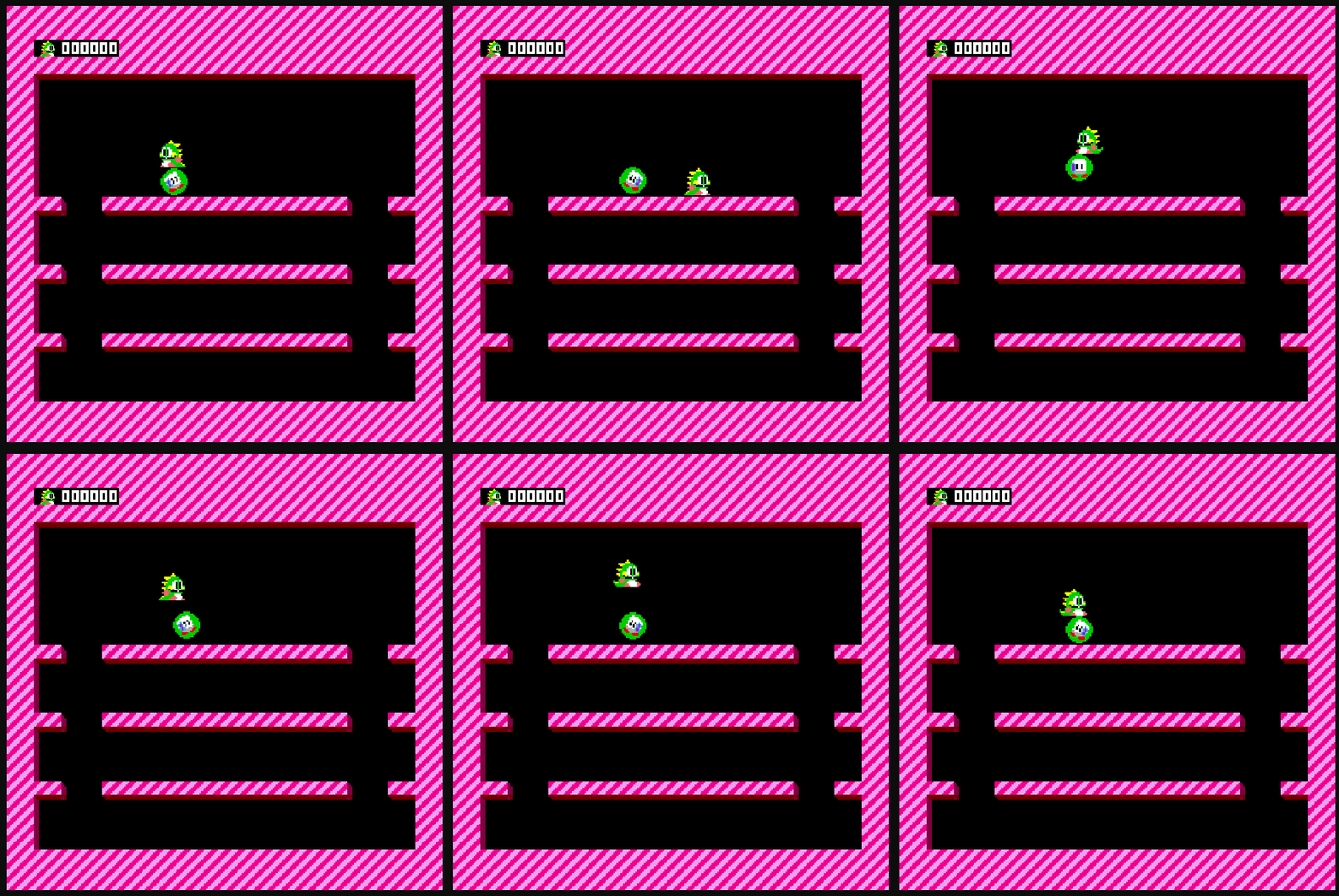
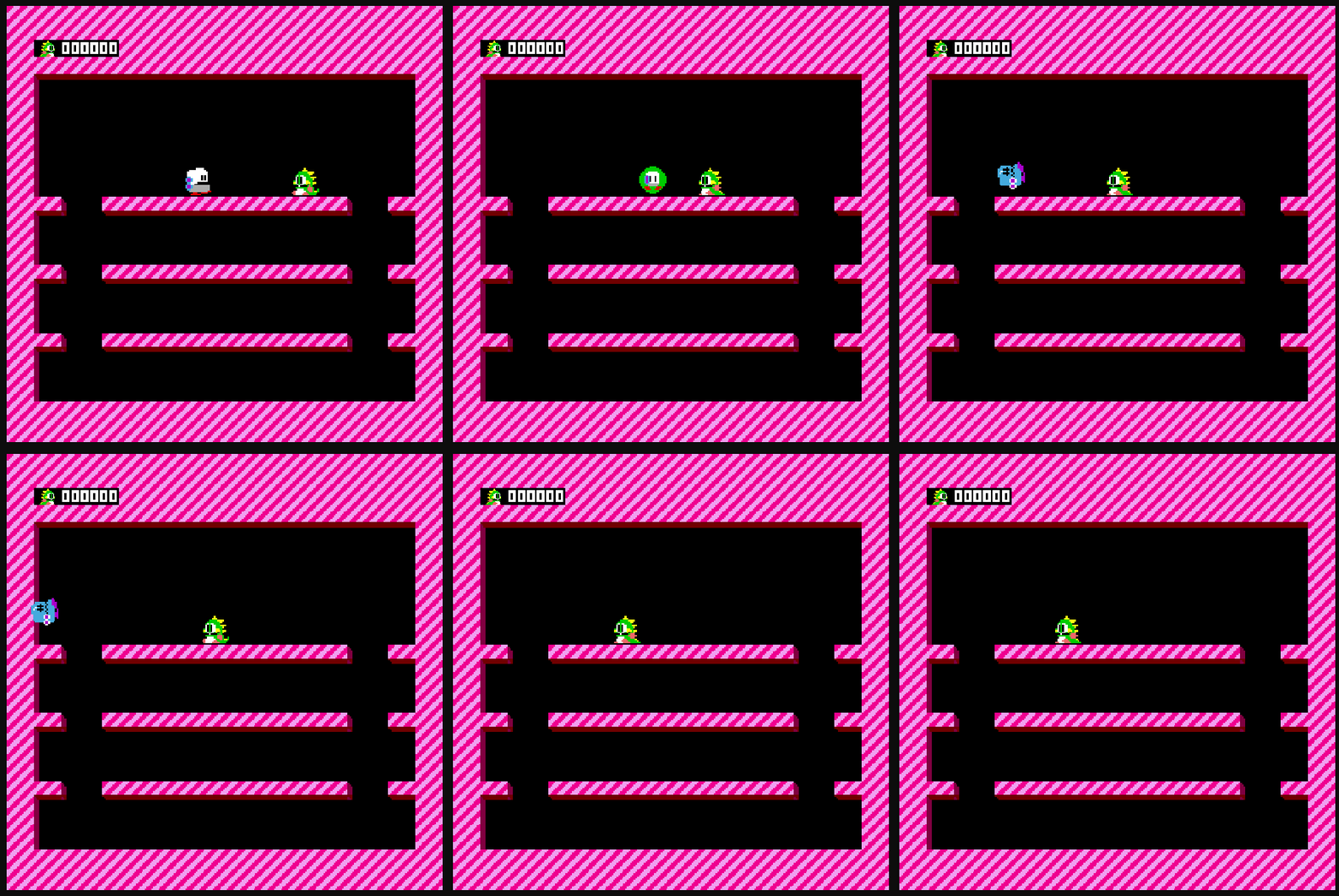
Recreated the classic game inside the custom editor to test level creation, collision systems, and enemy state behaviors.

FEATURES & STRUGGLES

INPUT-COMMAND PATTERN

Commands are assigned to specific keys and states (Down, Held, Up) allowing modular control binding across actors.

OBSERVER PATTERN

Engine-side observers decouple external features like achievements and audio triggers from core game logic.

PHYSICS & COLLIDERS

Box2D integration supporting Box, Circle, and Line colliders, paired with configurable Pixels-per-Meter scaling.

GAMEOBJECT-COMPONENT SYSTEM

Unity-inspired composition model where custom components inherit from a common base class.

STRUGGLE: EXTENSIVE EDITOR

First-time implementation of ImGui and complex editor tooling under tight development deadlines.

STRUGGLE: IMMEDIATE GUI

Managing immediate-mode GUI lifecycle events when modifying dynamic scene data across frame boundaries.

EDITOR TOOLING

ProtoEngine Editor
Hierarchy

Manage game objects and parent-child hierarchies directly via right-click context menus.

Inspector

Add, remove, and tweak component parameters dynamically through custom rendering widgets.

Scene & Game View

Dual-viewport system showing full off-screen level layout alongside active camera bounds.

Logger & Info

Real-time warning/error log stream alongside scene diagnostic stats and active camera data.

SPRITE EDITORS

Static Sprite Editor

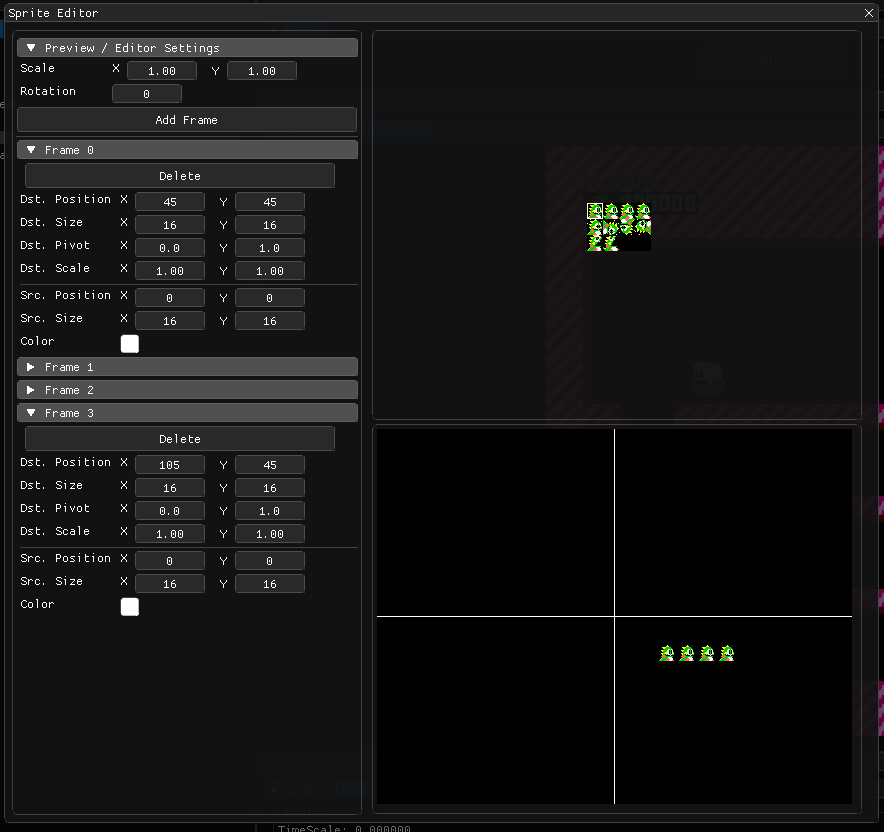
Renders multiple frames simultaneously. Useful for multi-part textures, game logos, or modular HUD displays like health bars.

Static Sprite Editor
Animated Sprite Editor

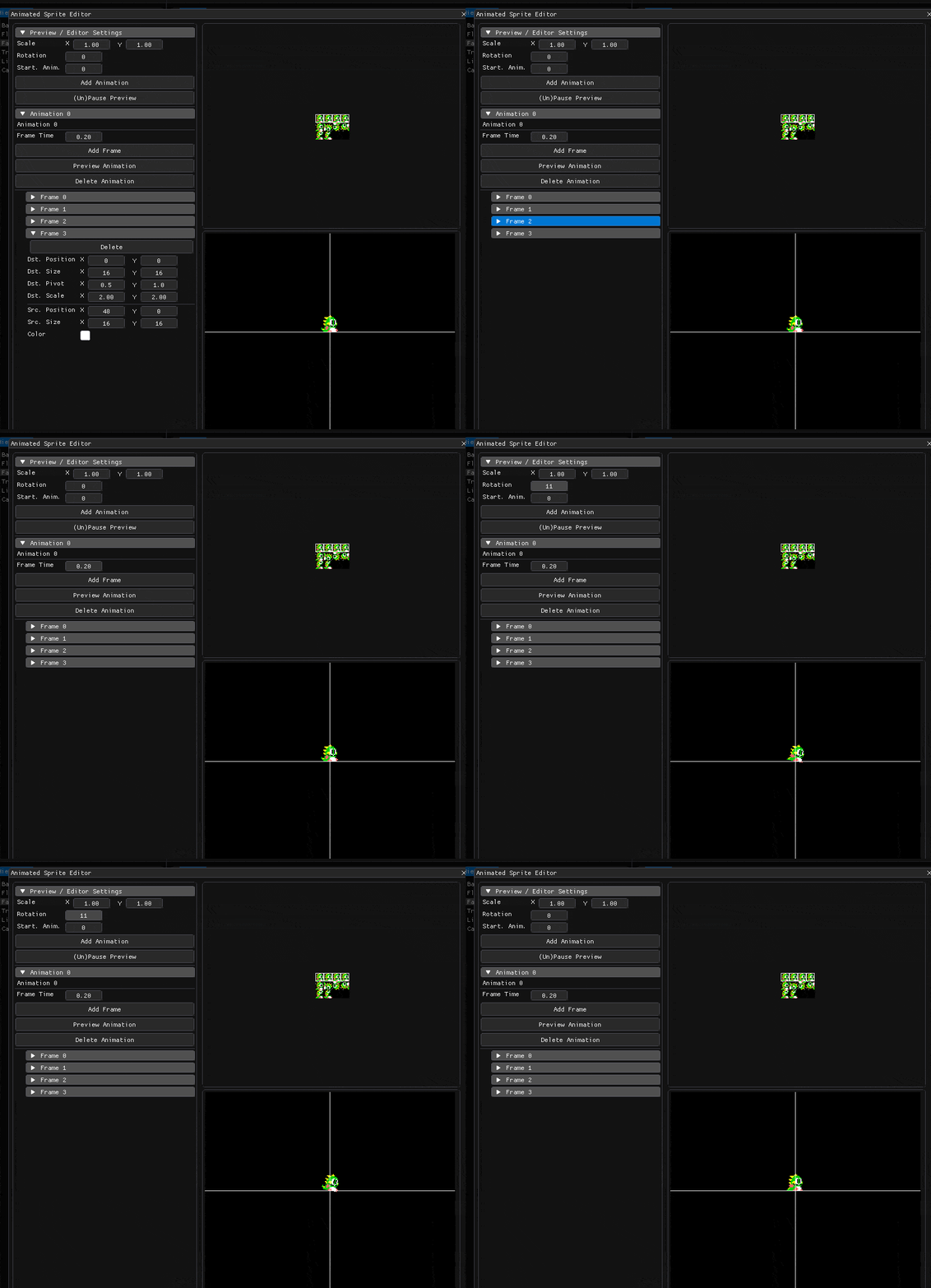
Sequence editor to add, preview, and adjust frame rates, pivot offsets, and rotation angles in real-time.

Animated Sprite Editor

BUBBLE BOBBLE SHOWCASE

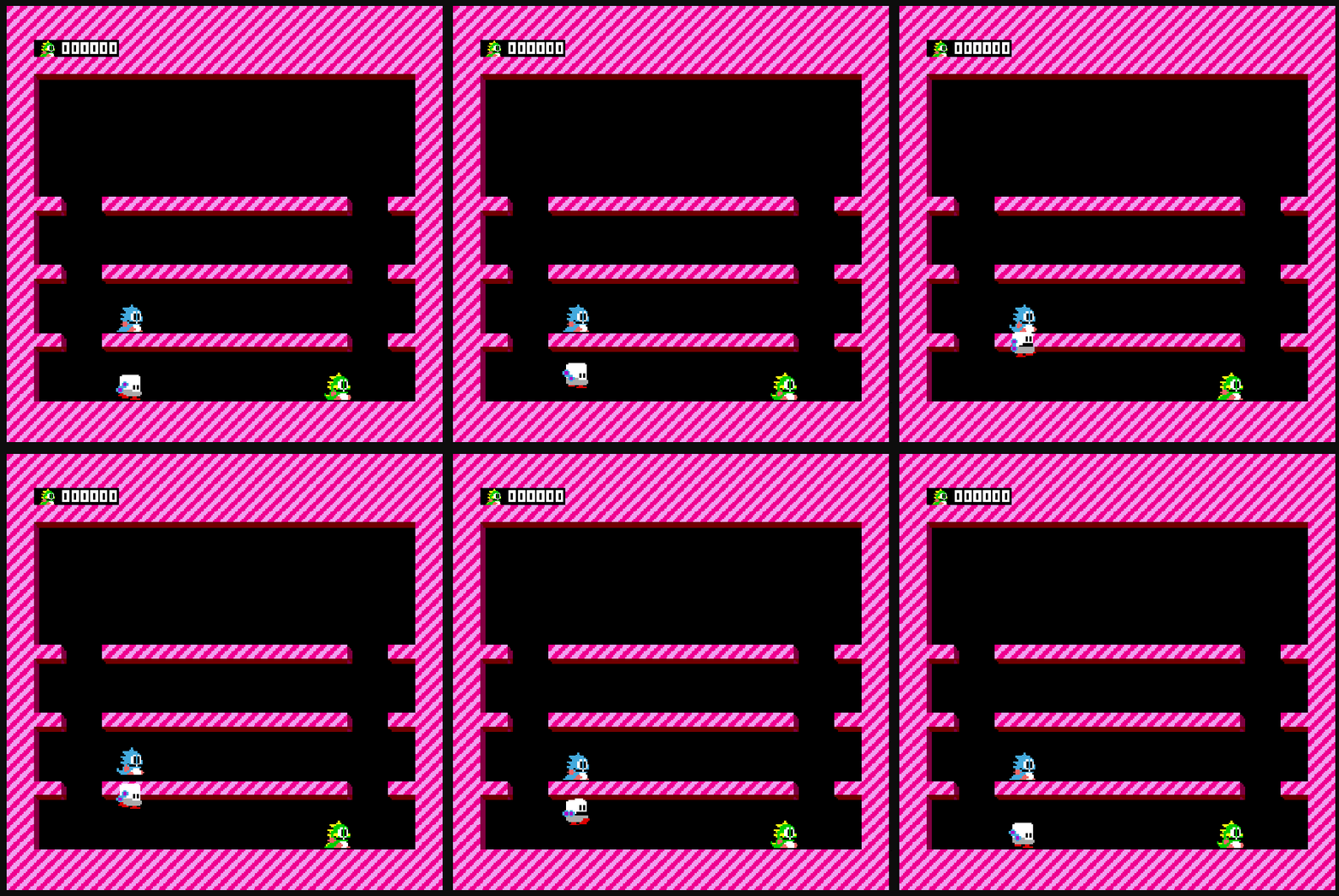
Development clips captured during engine test iterations:

Mr. Bully
Mr. Bully
The Killer Move
The Killer Move
Silly AI
Silly AI